
Hermes Guide
Deploy NousResearch's Hermes agent on Maritime.
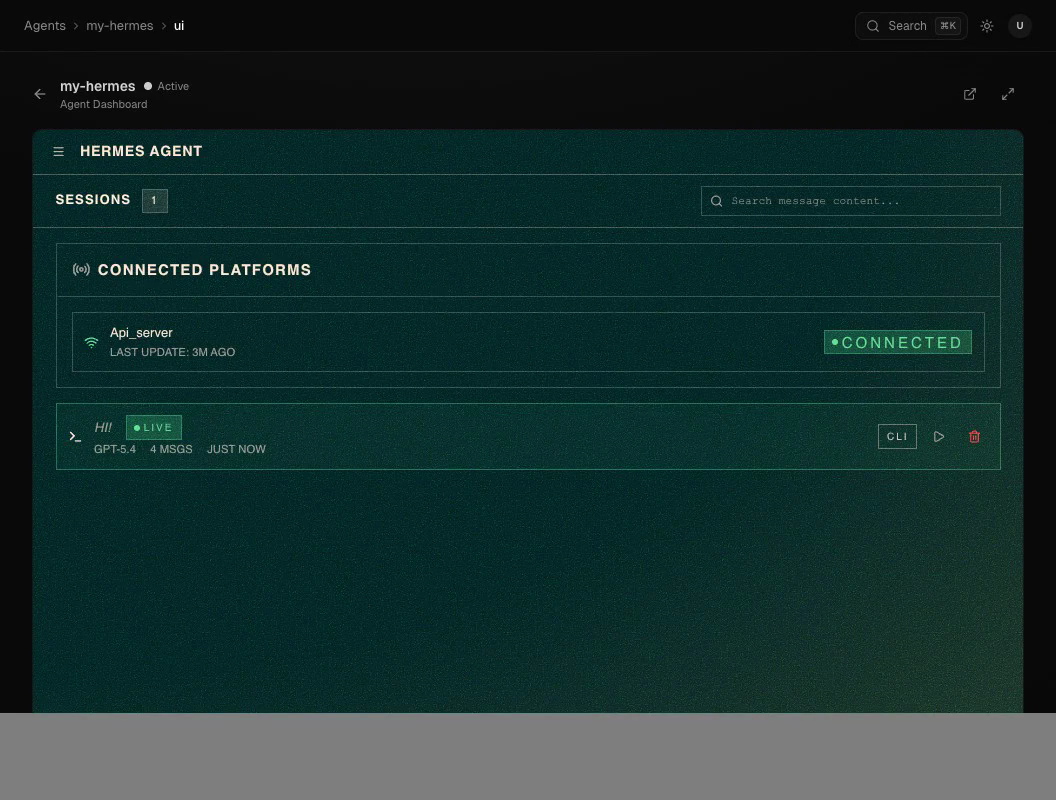
Overview
Hermes is a self-improving Python agent from Nous Research with persistent memory and a multi-platform messaging gateway (email, Telegram, and more). You talk to it from the Maritime CLI or the dashboard Chat tab; inbound messages on connected channels pass through a pairing wall first.
Docker Image
Image: nousresearch/hermes-agent:v2026.5.16
Maritime pins the Hermes version deliberately (the latest tag drifted) and upgrades after testing each release. Gateway on port 8642, dashboard on port 9119, HOME at /opt/data.
How It Works
Maritime configures Hermes's openai provider and points its base URL at the Maritime LLM proxy, so a fresh agent works with no key at all and OpenAI-style env vars work transparently.
# The container runs with:
HERMES_HOME=/opt/data
HERMES_DASHBOARD=1
HERMES_DASHBOARD_HOST=0.0.0.0
HERMES_DASHBOARD_TUI=1
API_SERVER_ENABLED=true
API_SERVER_HOST=0.0.0.0
API_SERVER_KEY=<auto-generated>
GATEWAY_ALLOW_ALL_USERS=true
HERMES_INFERENCE_PROVIDER=openai
HERMES_TUI_PROVIDER=openai
HERMES_INFERENCE_MODEL=gpt-5.4
OPENAI_BASE_URL=https://api.maritime.sh/api/llm/v1
Environment Variables
No key is required: Maritime injects a per-agent proxy token, billed against your AI credits. Set your own OPENAI_API_KEY as a secret env var to pay your provider directly instead.
Sizing
Hermes loads memory + dashboard at boot; the platform sizes the agent for that automatically. Hand-tune a single agent with --ram if you need to.
Deploy
Select Template → Hermes Agent in the Create Agent modal, or:
maritime create -n my-agent -t hermes && maritime deploy my-agentTalk to it
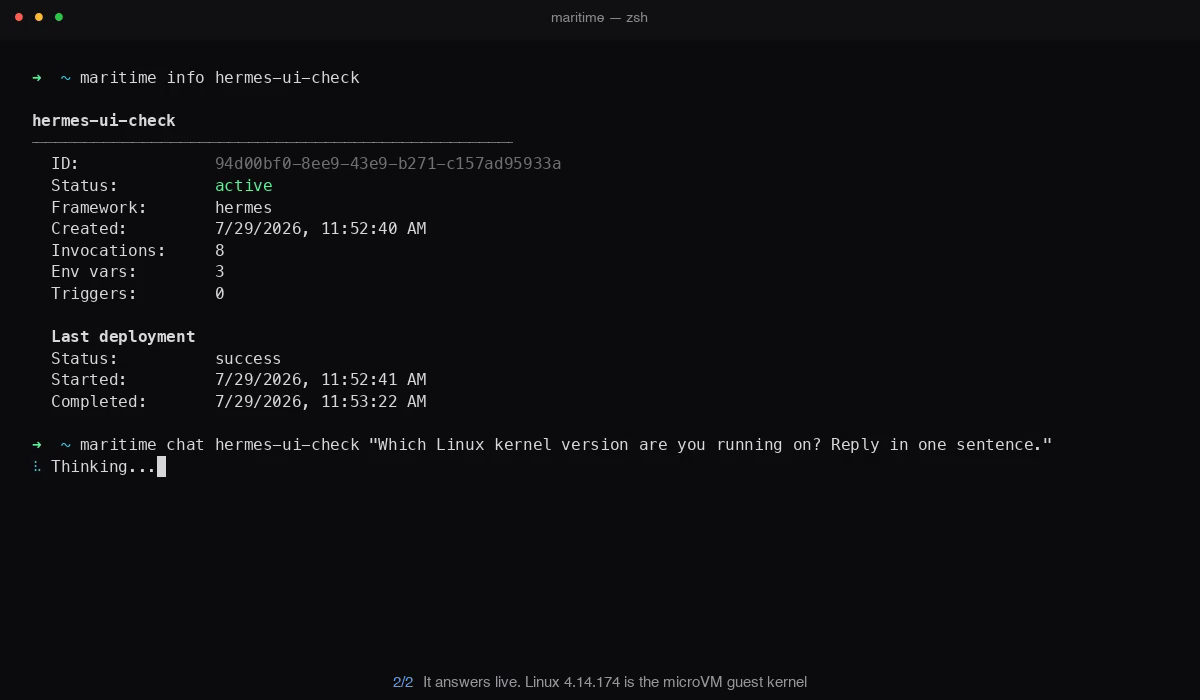
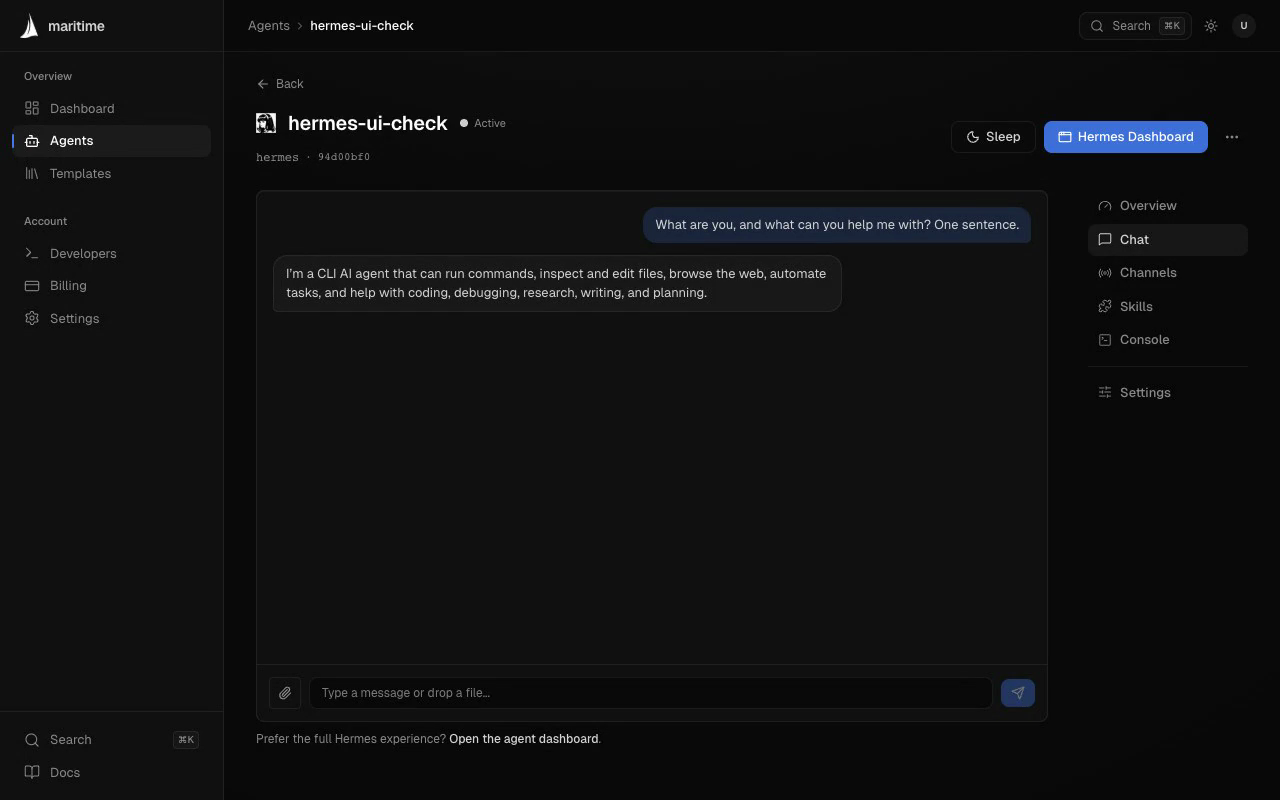
Hermes has no HTTP chat endpoint of its own, so Maritime invokes it locally (hermes chat -q). Ask a question from the terminal and the agent answers, running on a serverless Firecracker microVM:
Or open the agent in the dashboard and use the Chat tab. Same agent, same answer:
The native Hermes dashboard
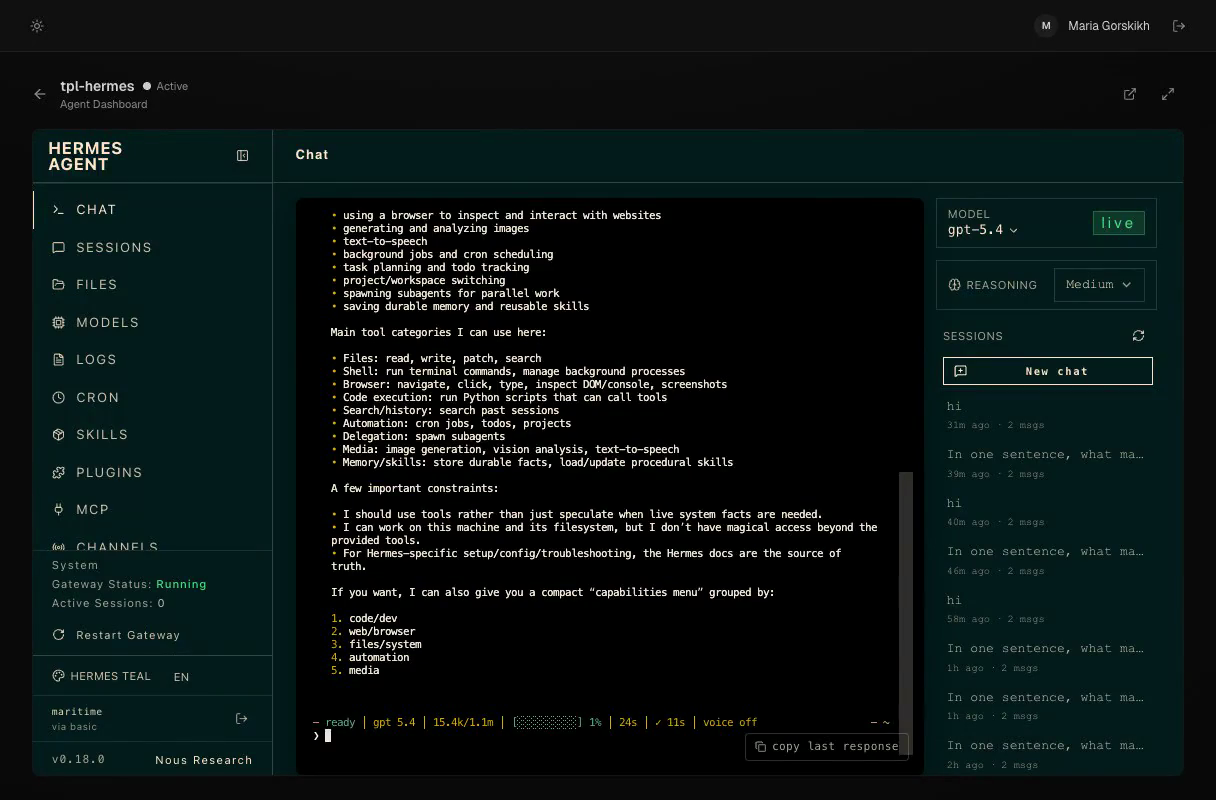
Hermes ships its own full dashboard (sessions, files, models, logs, cron, skills, plugins, MCP, channels) with the real hermes chat TUI embedded in the browser. Click Hermes Dashboard on the agent page and Maritime proxies it with auth handled for you (no login screen):
Upstream links & resources
- hermes.nousresearch.com: the official Hermes Agent page, covering the concept, capabilities, and how the self-improving memory works.
- NousResearch/hermes-agent: the source repository, with the configuration reference for the env vars above, gateway/channel setup, and release notes.
- nousresearch/hermes-agent on Docker Hub: the exact image Maritime deploys, with all published tags.
- nousresearch.com: the team behind Hermes and the Hermes model family.