Private networks for your agents
Private networks so agents can reach systems on your own network, a Network card for every agent and computer, its own URL for every agent that serves a port, and an Activity view on the Users page.
Private networks
Your agents can now use the systems that live on your own network, like a database or an internal tool in your office, without opening them to the internet. Add a network, send one link to IT, and your agents reach each system by name, like db.office.private. Every agent and computer also gets a Network card in its settings, where you choose what it may reach on the internet (everything, nothing, or an allowlist) and where its traffic comes from, including a fixed address of its own that partners can allowlist. We enforce these rules on the server, outside the agent, so it cannot get around them.
Read the Networks docs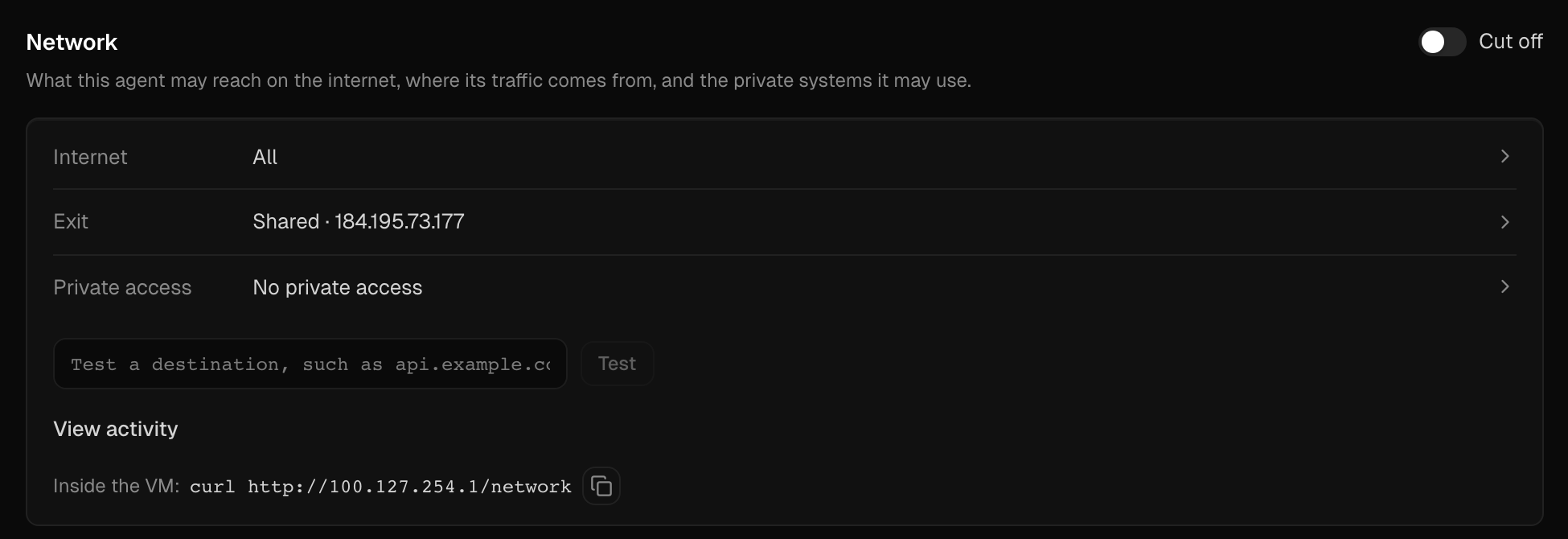
Every agent gets its own URL
Every agent that serves a port now gets its own address at <agent-id>.mtm.sh. It is private by default, so only people you send a share link to can open it. Your backend can mint a link for each signed-in user, and it can last an hour, up to 30 days, or never expire. When you are ready for anyone to use it, press Public on the agent's Overview, and a visit wakes a sleeping agent in about a second. You can also do all of this from the CLI and both SDKs.
See how it works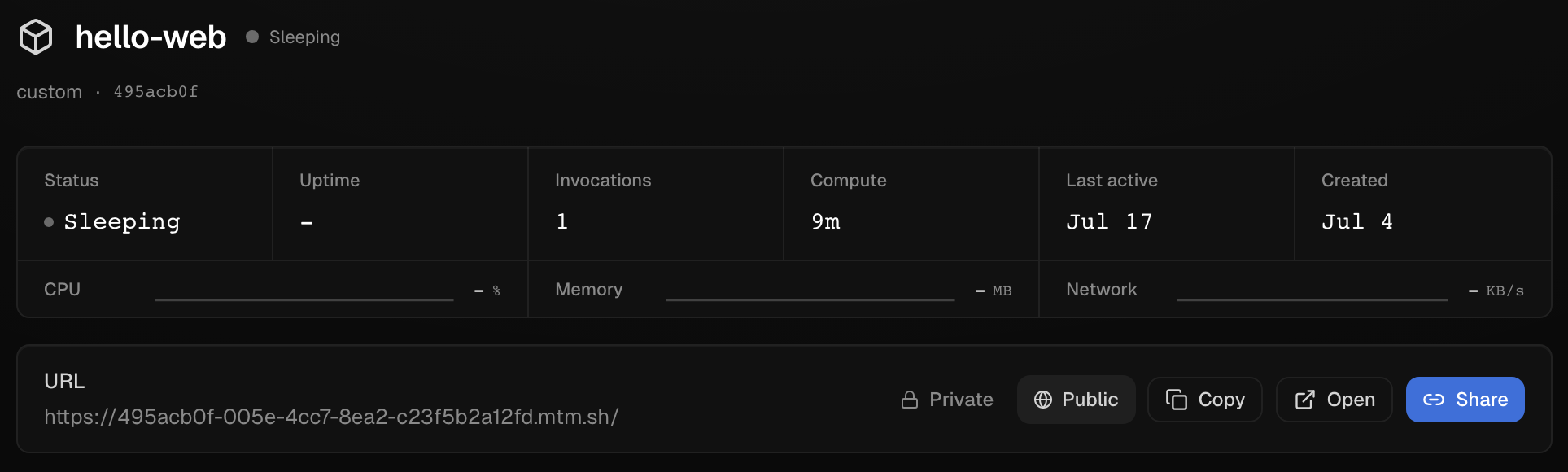
An Activity view on the Users page
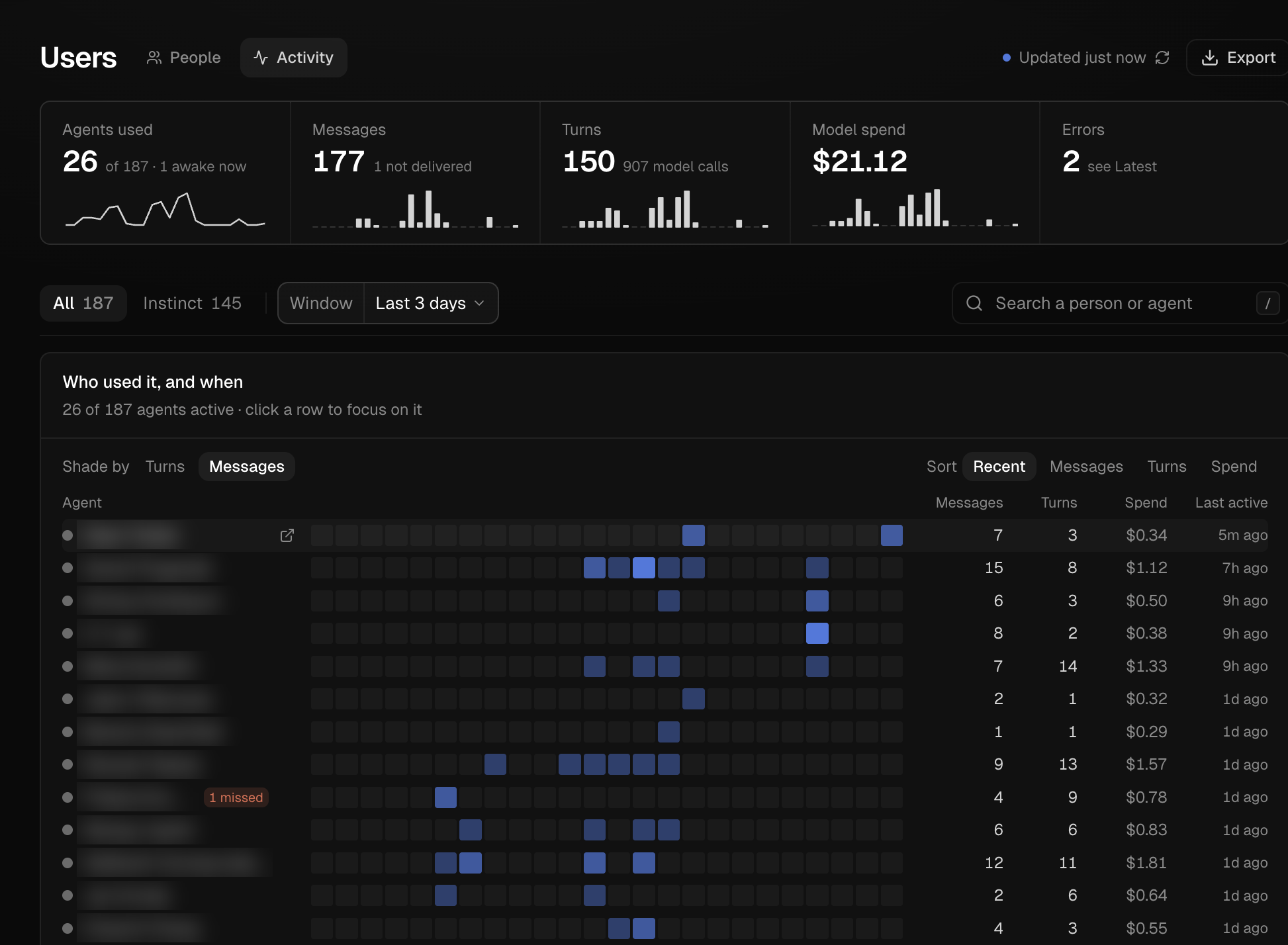
See who is using which of your agents and when: a heatmap per agent and a feed of the latest messages, turns, and errors, along with what each agent spends. We count messages without ever storing their text.
Open Activity