
Quickstart
Deploy your first agent and talk to it, in under 5 minutes. Everything below also works from the dashboard without a terminal; the screenshots show the equivalent clicks.
1. Install the CLI
npm install -g maritime-cliRequires Node.js 20.12 or later. Prefer clicking? Skip the CLI entirely and do all of this from the dashboard.
2. Sign in
Log in with your Maritime account (opens your browser), or create one; the free plan includes 3 agents, no card required:
maritime login

# No account yet?
maritime signup
3. Pick a template
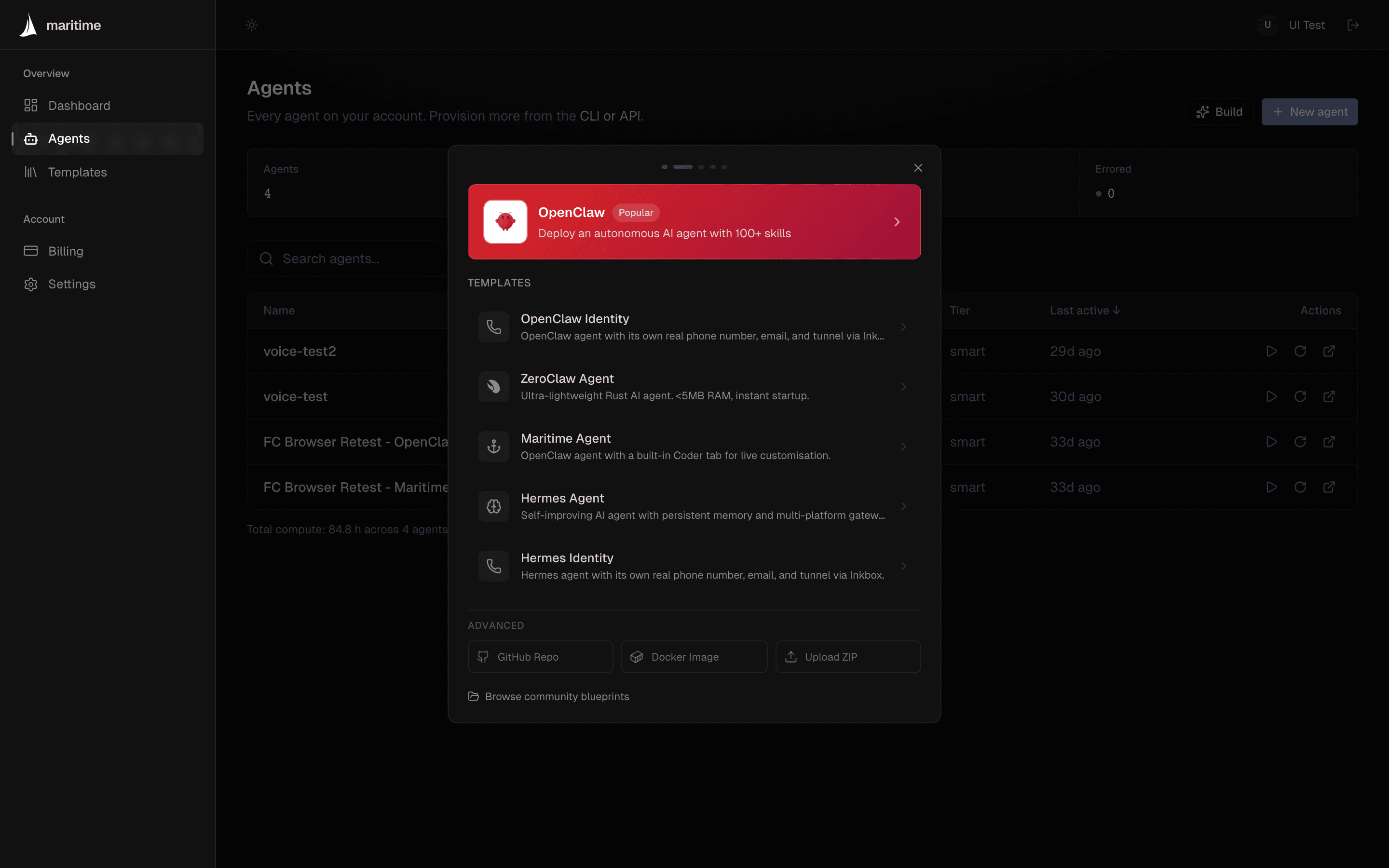
Templates are complete, working agents: pick one and it deploys pre-configured. Not sure which? Choose a framework compares them; openclaw is the general-purpose default.
maritime templates

# Output:
# NAME                FRAMEWORK    DESCRIPTION
# OpenClaw Agent      openclaw     Autonomous AI agent with 100+ skills.
# Hermes Agent        hermes       Self-improving Python agent with memory.
# ZeroClaw Agent      zeroclaw     Ultra-lightweight Rust agent.
# Claude Code         custom       Coding agent with real tools in a persistent workspace.
# DeepSeek Harness    dsh          Plugin-based harness with a full web workbench.
# ...
--template takes the template id (openclaw, hermes, zeroclaw, claude_code, dsh), not the framework column; the ids are listed on Choose a framework.
4. Create the agent
One command creates and deploys it; there is no separate deploy step. It flips to active in under a minute:
maritime create my-agent --template openclaw

maritime status my-agent   # wait for status: active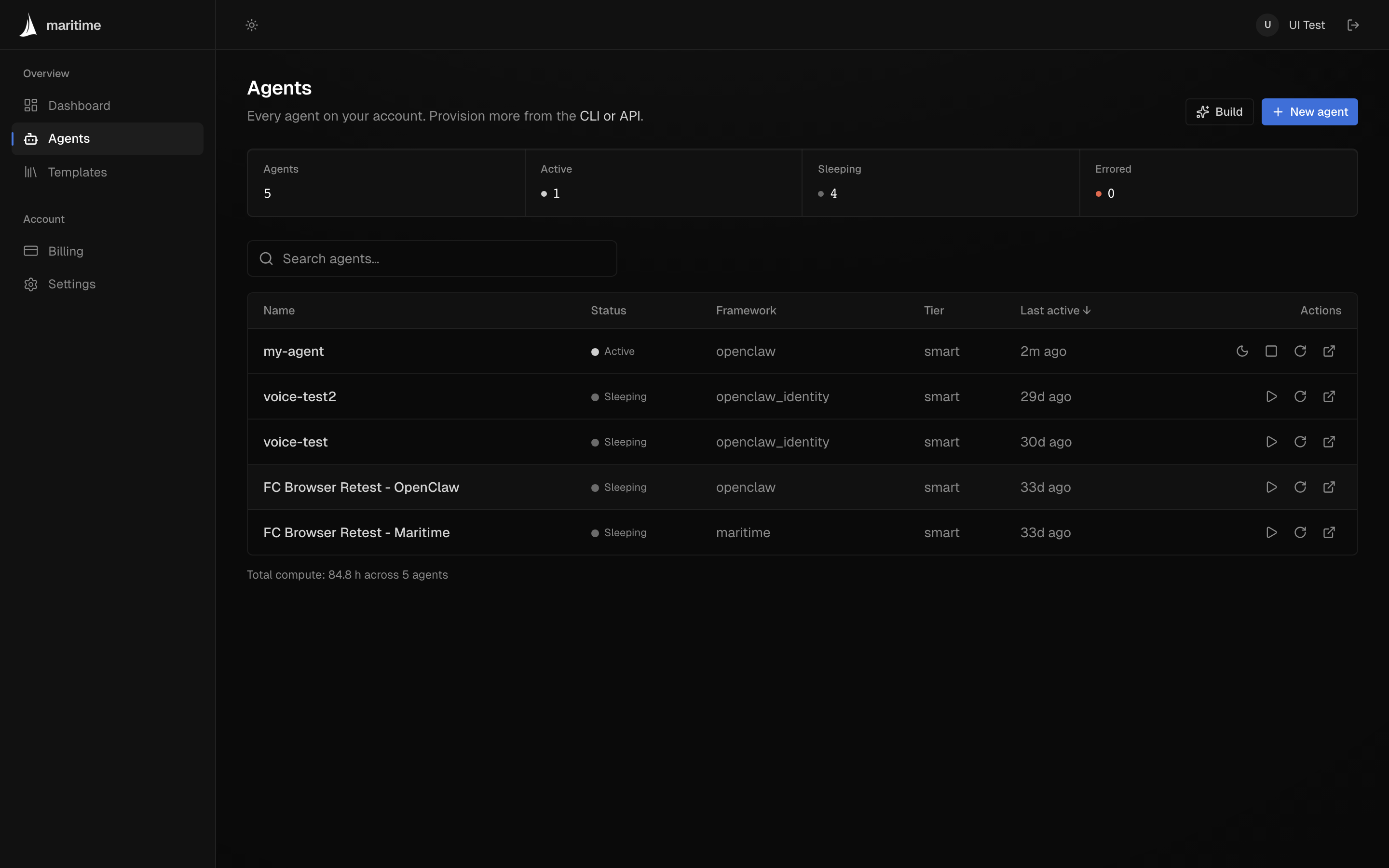
5. Talk to it
This is the whole point. Sleeping agents wake on their own, and the call waits for the reply:
maritime chat my-agent "introduce yourself and list three things you can do"No LLM key needed: the OpenClaw template routes through Maritime's LLM proxy by default, billed against your account's AI credits (new accounts start with a small seed). The same chat works from the agent's page in the dashboard.
6. Add keys & config (optional)
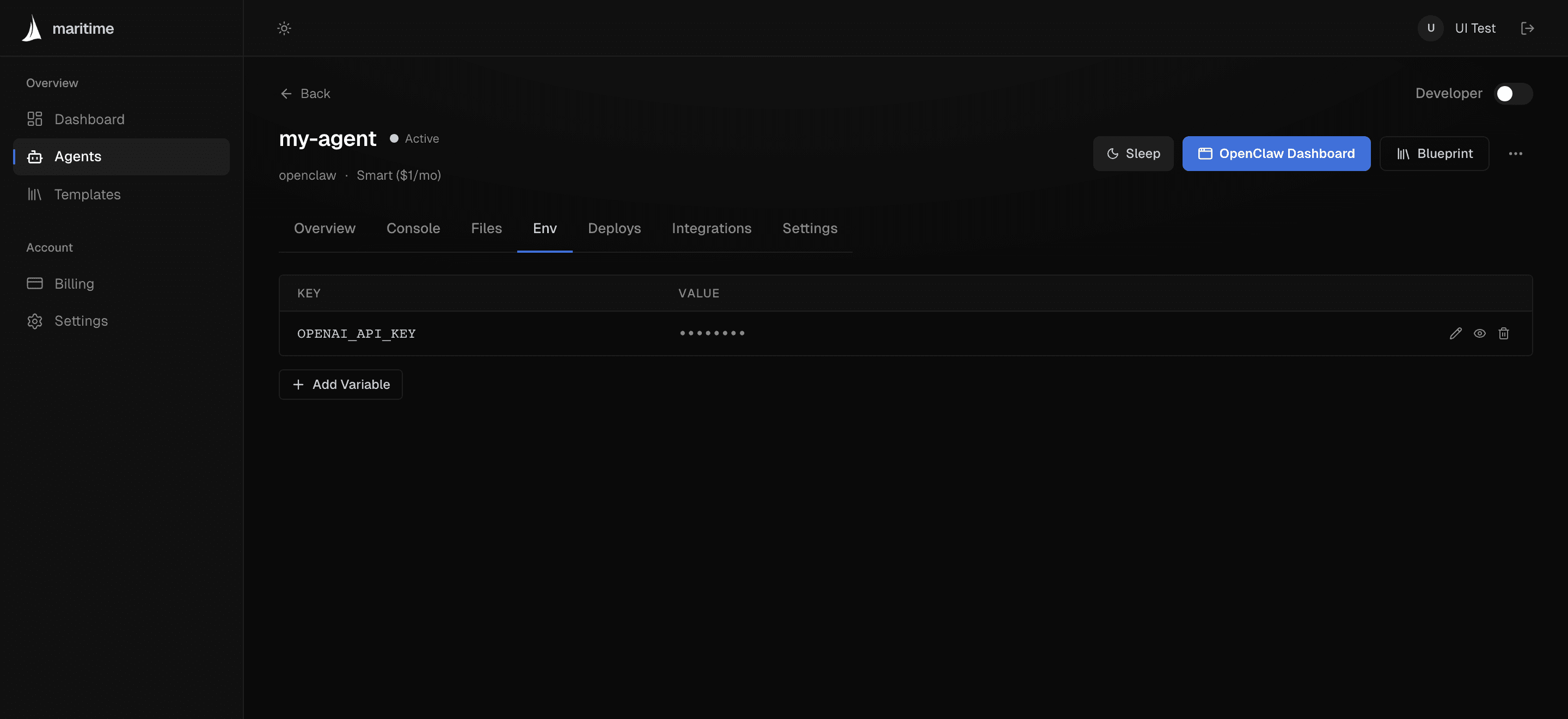
Bring your own model key to pay your provider directly instead of using AI credits, or add any other credentials your agent needs. Variables are secret by default: encrypted at rest, masked in the UI.
maritime env set my-agent OPENAI_API_KEY=sk-... --reloadOne exception to know: the Claude Code template always needs your own ANTHROPIC_API_KEY (the proxy speaks the OpenAI format, which Claude Code does not use). Details in Env vars & sizing.
7. See what it's doing
maritime logs my-agent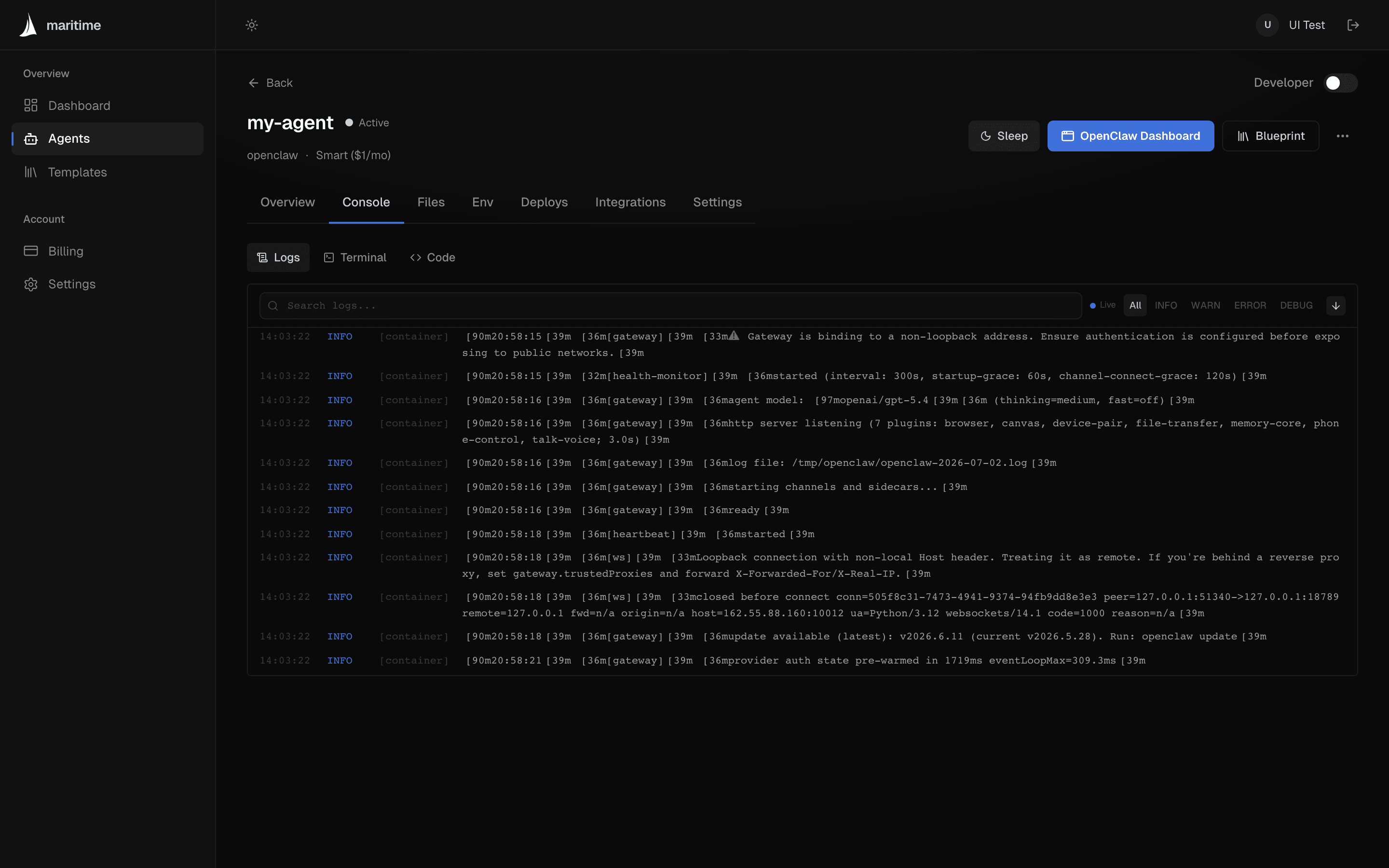
Shipping a web app instead?
Any repo with a Dockerfile can be served on a public, no-login URL that sleeps when idle and wakes on the next visit:
maritime create my-app --repo https://github.com/you/app --public --port 3000See Public web agents for the full picture, or Deploy any container to make your own code a chattable agent.
What happens next?
Your agent auto-sleeps when idle and wakes on the next message, trigger, or webhook; you never manage that. It counts against your plan's included agents from the moment it exists, and how much it runs never changes the bill. Park it deliberately with maritime sleep my-agent whenever you like.