
Running Claude Code on Maritime: The Step-by-Step Guide
Give Claude Code its own always-on computer in the cloud. Deploy the template, paste your Anthropic key, and message a real coding agent from anywhere.
You want Claude Code running in the cloud: always reachable, on its own machine, with nothing tied to your laptop. Maritime does this in about a minute. Here is how.
Deploy It
Open Templates in the dashboard and pick Claude Code.
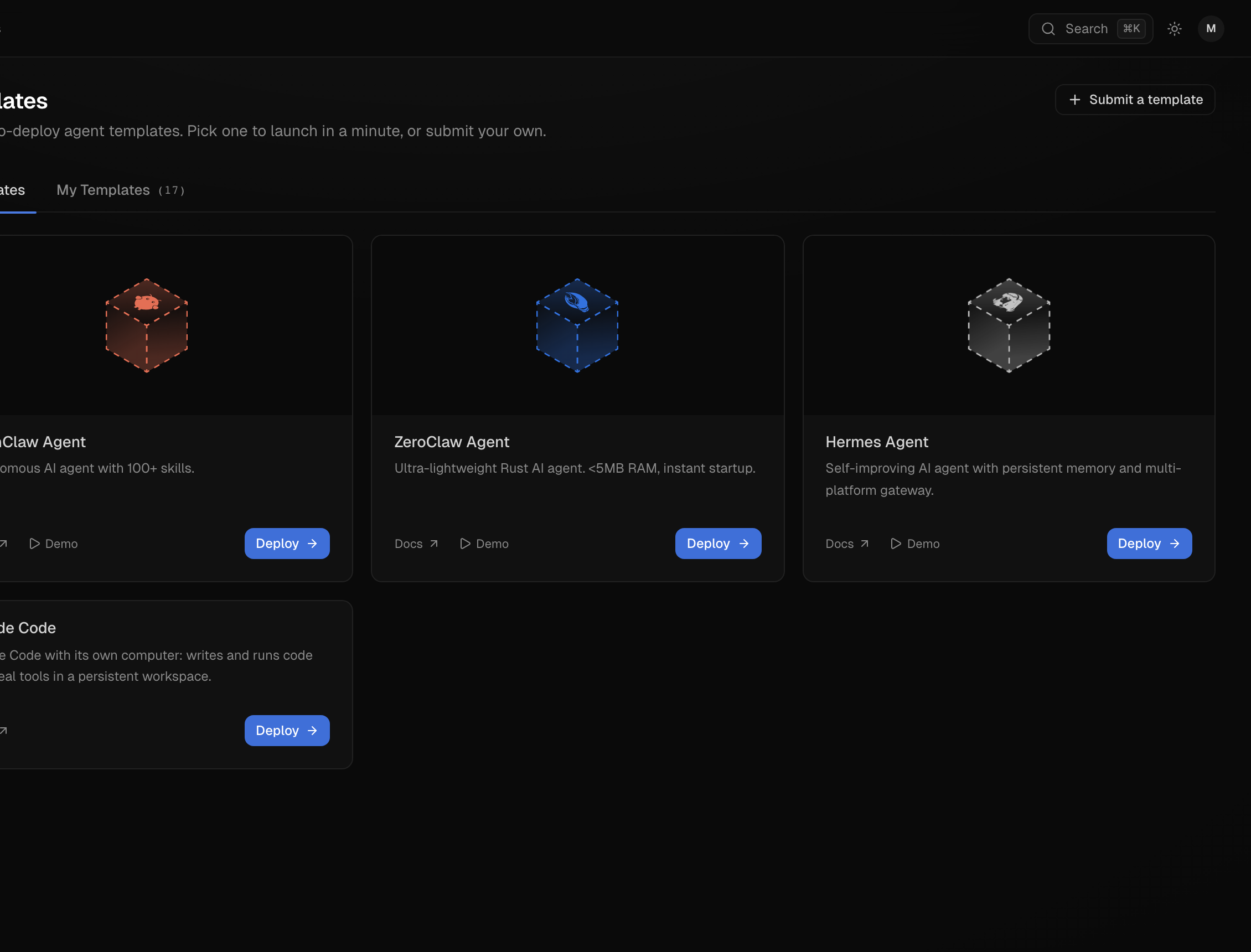
Click Deploy, give it a name, and paste your Anthropic API key.
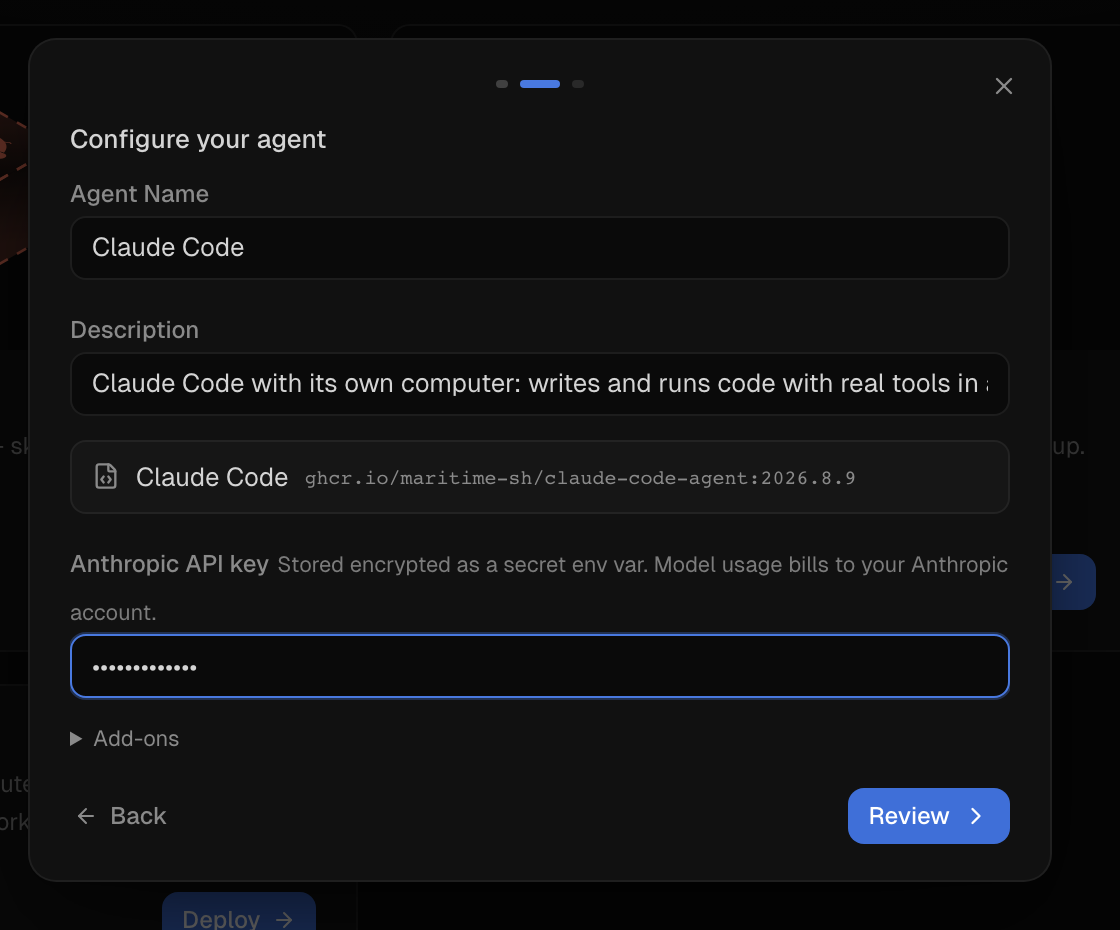
The key is stored encrypted and injected only into your agent's VM, and model usage bills to your Anthropic account. You bring your own key because Claude Code speaks the Anthropic API, while Maritime's built-in metered LLM proxy speaks the OpenAI format.
Hit Deploy. About a minute later the agent is active on its own micro-VM, and the Chat tab is talking to real Claude Code:
You: Introduce yourself in one sentence, then run uname -a and tell me what machine you are running on.
Agent: You're on a Linux x86_64 machine, kernel 4.14.174 SMP, which suggests a container or sandboxed VM rather than a typical desktop.
That answer came from the agent actually running uname -a inside its VM. Every message works this way: Claude Code with a real shell and file tools, on a computer that belongs to it.
What You Get
How It Works
The template is three small files: a Node server, a package.json, and a Dockerfile. The server implements Maritime's bring-your-own-framework contract: bind $PORT, answer GET /health, answer POST /chat. Each chat message becomes one call to the Claude Agent SDK, which is Claude Code as a library:
import { query } from '@anthropic-ai/claude-agent-sdk'
for await (const msg of query({ prompt: message, options: {
  cwd: '/data/workspace',
  model: 'claude-opus-5',
  permissionMode: 'bypassPermissions',
  resume: previousSessionId,
} })) { /* collect the reply */ }
That is most of it. bypassPermissions lets Claude Code act without asking for confirmation; it is alone on an isolated VM, so autonomy is the point. resume is what gives each conversation its memory. The rest of the server is bookkeeping: mapping conversations to sessions, keeping state on /data, and managing the reply window.
If you want to build your own variant instead of using the template, the complete commented source and everything to keep in mind are in the docs guide. Two details matter more than the rest: install npm dependencies inside the Linux image build, because the SDK ships the Claude Code CLI as a platform-specific binary, and set IS_SANDBOX=1, without which Claude Code refuses to run unattended as root. The template image handles both for you.
Point It at Real Work
A coding agent with its own computer and a chat endpoint fits places a terminal never could. Connect Telegram and text it a bug report from your phone. Point a webhook at it so every CI failure becomes a task it investigates in its own workspace. Or provision one per customer through the SDK, each with an isolated workspace and its own memory.
Start at the Templates page. The full guide is at /docs/frameworks/claude-code.