Agent boxes
Agent Boxes
A Linux machine that keeps its files. Each one is its own Firecracker micro-VM with its own disk. It sleeps when idle and wakes in about a second when you run a command or touch a file. It costs $1 a month per 2 GB of memory, awake or asleep, with unlimited awake hours.
At a glance
- What it is
- A Linux micro-VM that keeps
/datauntil you delete it. It sleeps when idle and wakes in about a second. - Use it for
- A workspace per end user, a coding agent that works on a repo for days, any agent you host.
- Use something else when
- Nothing should outlive the run: Sandbox. A batch: Swarm. A screen: Linux desktop.
- Start it
- The Agents page, by picking a template,
maritime create NAME --template zeroclaw, oragents.provisionin the SDK. - Lifecycle
- Awake while used, asleep after an idle period (
--idle), woken by any command, file call, message or trigger. Deleted only by you. - Price
- $1 a month per 2 GB of memory, awake or asleep, billed per second over a 730-hour month (2 GB is $1, 4 GB is $2, 8 GB is $4). Unlimited awake hours. 5 GB of disk included; more disk is $0.08 per GB-month.
- Limits
- 2 GB RAM and 5 GB disk by default, up to 8 GB and 100 GB self-serve.
exec60 seconds attached, 3,600 detached. 100 MB per file. - Related
- How Maritime works, SDK: agents, Images.
What runs today
An agent box is the Maritime machine an agent runs in. You create it in the dashboard, or with the CLI or SDK, then run commands with exec and move files with the files API.
From the dashboard
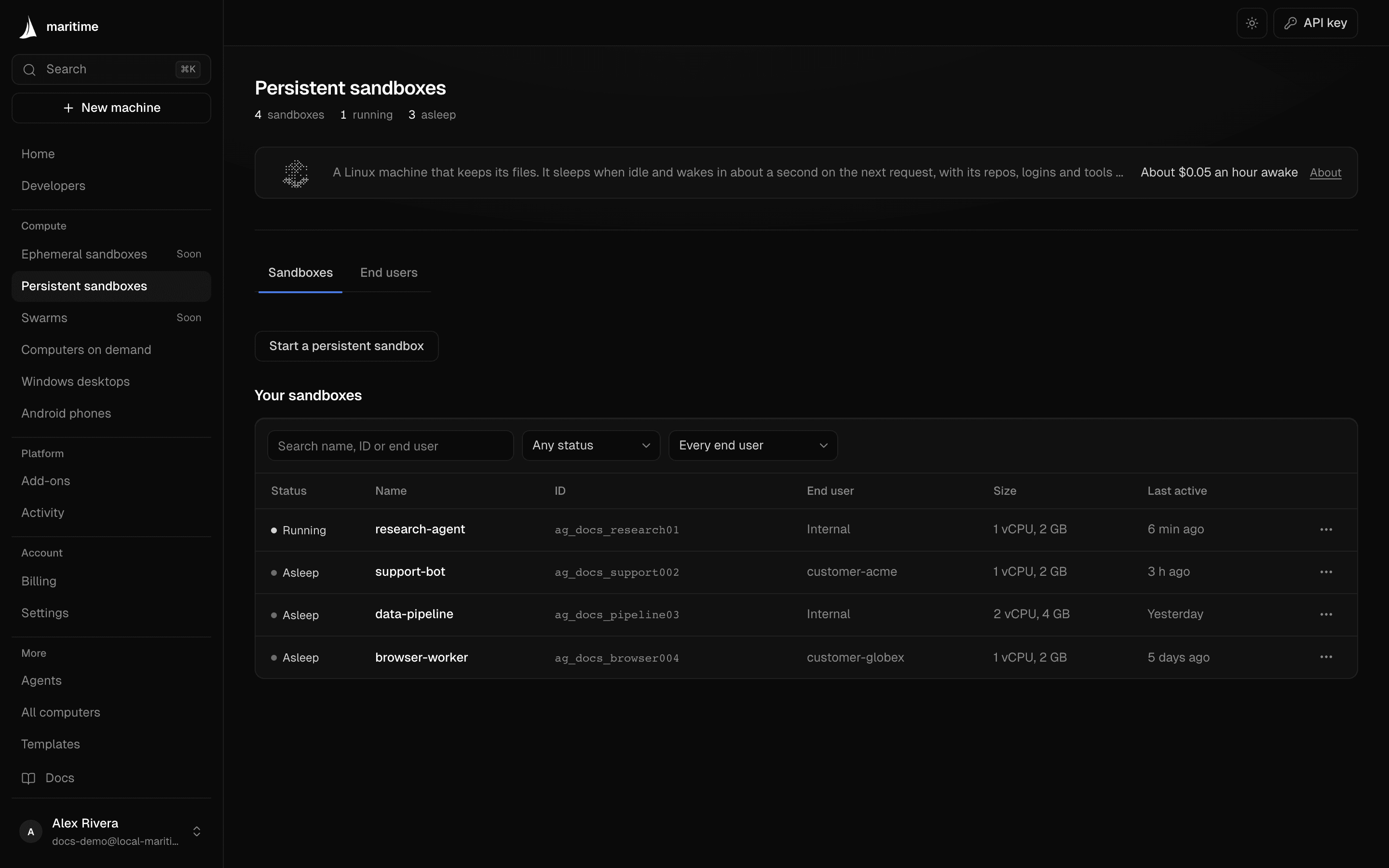
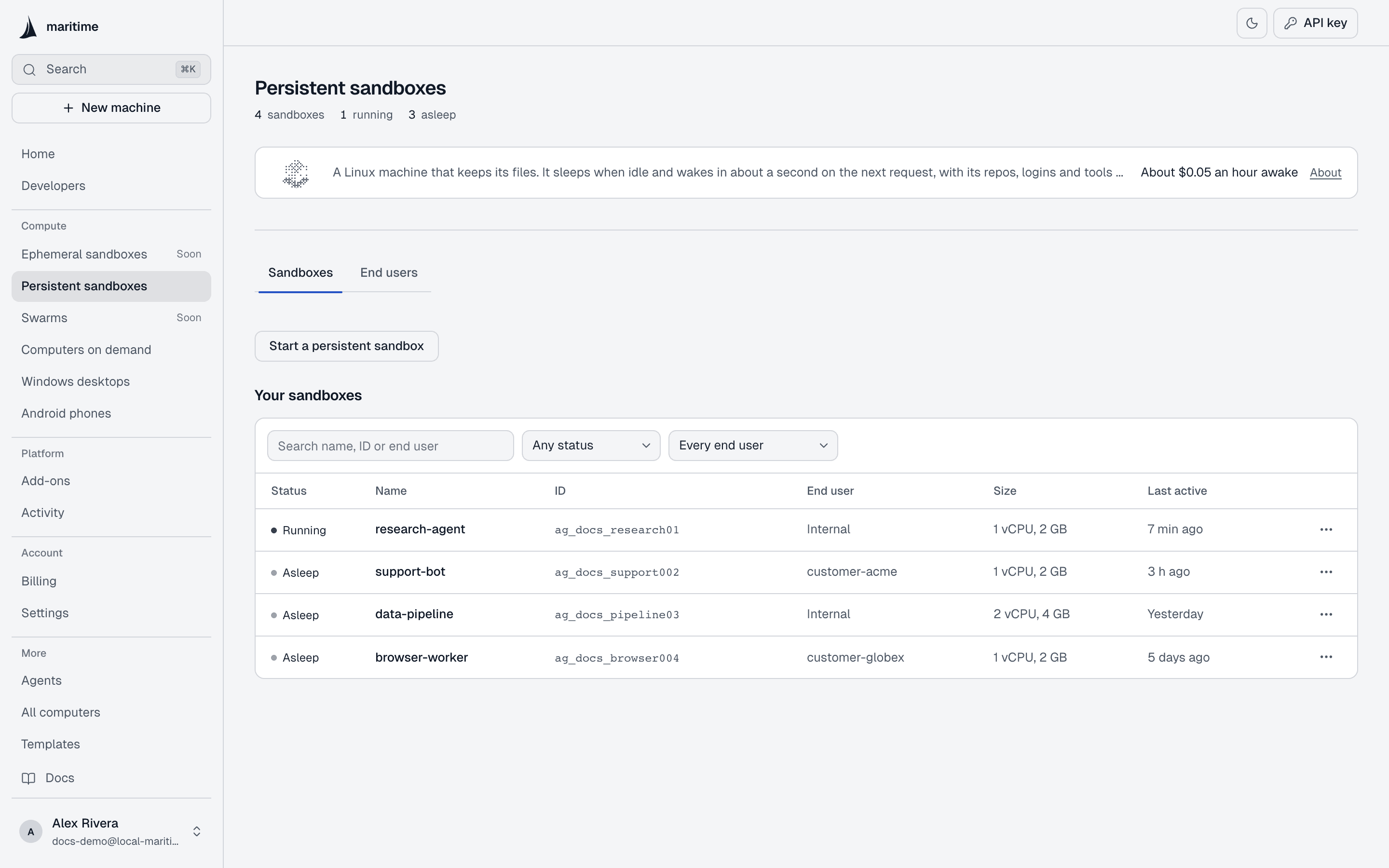
To create an agent box, open the Agents page and pick a template. The new agent box appears in the list on that page.
When to use it
- A workspace per end user that must keep its files, repos and installed tools between visits.
- A coding agent that clones a repo once and works on it over days.
- Anything you would otherwise rebuild from scratch on every request.
For one task that should leave nothing behind, see Sandboxes. For a machine with a screen, see Linux desktops.
Example
maritime create my-box --template zeroclaw

# exec takes the machine's id, not its name
maritime status my-box --json --select id

maritime exec AGENT_ID --body-json '{"command": "git clone https://github.com/acme/app /data/app"}' --json
maritime exec AGENT_ID --body-json '{"command": "ls /data/app"}' --json
A new machine boots in the background; a returning user's machine is already there. Commands and file calls wake a sleeping machine on their own, so you never wake it by hand. The REST routes, detached commands and cancellation are in REST API: Run a command.
Lifetime
- Everything under
/datais kept until you delete the machine. - After an idle period the machine sleeps. On micro-VM hosts the process is snapshotted and resumed, not restarted. Set the idle time with
--idle(seconds) onmaritime create. - It is billed per second over a 730-hour month, awake or asleep: $1 a month per 2 GB of memory (2 GB is $1, 4 GB is $2, 8 GB is $4). Awake hours are unlimited. 5 GB of disk is included; more disk is $0.08 per GB-month.
- Waking takes about a second, on any command, file call, message or trigger.
- Deleting the machine deletes its disk.
maritime create my-box --template zeroclaw --idle 600 --disk 20
maritime delete my-box --yes
Limits
- 2 GB RAM and 5 GB SSD by default; self-serve up to 8 GB RAM and 100 GB SSD.
exec: 60 seconds attached by default, 3,600 seconds detached; each output stream keeps its last 262,144 characters.- File transfers: 100 MB per file.
- A machine counts toward your plan's awake-at-once limit only while it is awake.
Every number is in Limits & errors; plans and prices are in Billing & plans.